
AI PROMPT · 304
UI 形态变换动效设计模板
<inputs> 请向我询问:我希望形状变成的 8 到 12 种 UI 状态(例如按钮、加载器、播放器、滑块、开关、标签页、图表、命令面板、Toast 通知),是纯黑白配色还是包含一种强调色,以及一首约 120 BPM 的免版税歌曲(例如来自 Mixkit,可免费商用)。 </inputs> <direction> Dribbble 级别的 UI 动效。单一形状,永不切断:每个状态都是同一元素在改变其大小、圆角半径和颜色,同时内容通过短暂的模糊效果进行切换。光标通过真实的点击和拖拽驱动每一次变化。浅暖灰色画布,黑白组件,一款简洁的 UI 字体 (Geist)。处处使用弹簧动画,最多只有微小的过冲。镜头缩放使每个状态填满画面。最后一帧即第一帧,从而实现无缝循环。 禁止事项:弹跳缓动、粒子爆发、光晕、UI 框架上的渐变、不匹配的图标描边、死时间、任何看起来像模板的效果。 </direction> <structure> 120 BPM,7 小节,每个节拍都有动作发生。 按钮 → 加载器 → 对勾 → 灵动岛 → 带有播放/暂停形态变换的音乐播放器 → 拖动进度条 → 它变成一个音量滑块,当被拖拽超过最大值时拉伸 → 开关在节拍上翻转 → 旋钮变成液态标签指示器 → 标签页展开为自动绘制的图表,悬停时显示工具提示 → 它折叠成 ⌘K → 输入以过滤 → 回车 → Toast 通知 → 回到按钮。 </structure> <build> 1. 单个 HTML 文件,正方形 1440x1440。所有样式均在 seek(t) 内部根据时间计算得出:不使用 CSS 过渡,不使用计时器,帧之间不携带状态。 2. 弹簧动画采用闭式阶跃响应。如果一个值的目标多次改变,它是每次改变对应的一个弹簧之和,从而保持其为时间的纯函数。 3. 标签指示器的两个边缘分别跟随不同的弹簧,因此前导边缘会超前于后随边缘拉伸。开关旋钮也使用同样的技巧。 4. 拖拽是直接操作:当光标按住时,值根据其位置计算得出。释放时,它会从当前位置回弹。 5. 使用 numpy 分析歌曲以获取节拍网格,并从强拍开始。根据测量到的峰值放置每个 UI 音效。 6. 使用 Playwright 渲染:每帧 4 个子帧,并使用 ffmpeg tmix 在 60fps 下进行混合以实现运动模糊。 7. 在完整渲染之前,先按节拍渲染单帧。修正任何偏离网格、拥挤或难以阅读的内容。 </build> <gotchas> 切勿在任何被镜头缩放或导致文本渲染模糊的元素上使用 will-change。在形态变换容器内切换的文本需要独立的进入和退出时序,否则会发生重叠。确保最后一帧与第一帧完全一致,包括光标位置和速度,否则循环会出现卡顿。 </gotchas> <start> 向我询问输入参数,然后在编写任何代码之前,先在节拍网格上展示状态列表给我看。 </start>
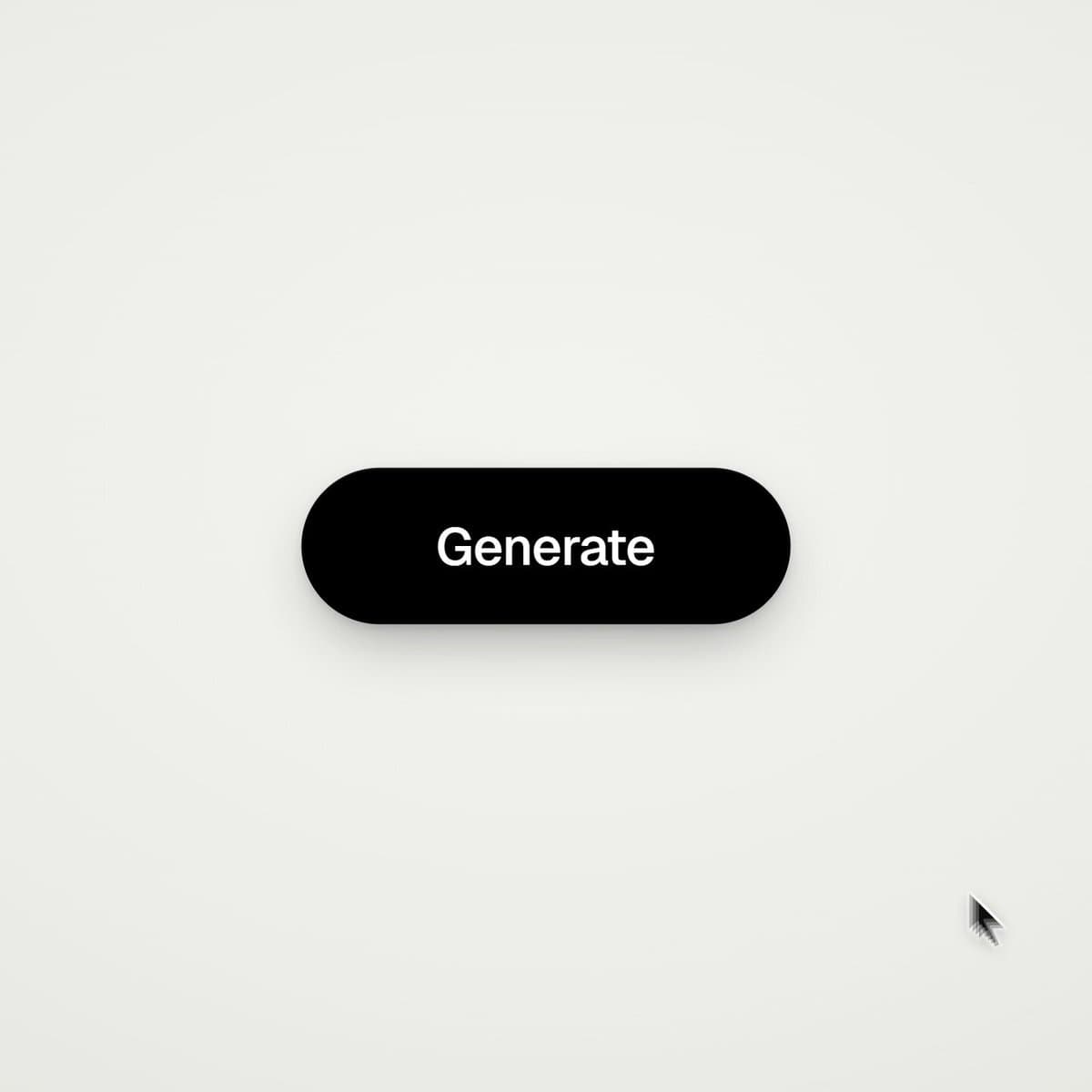
VIDEO PREVIEW
视频预览
PROMPT
<inputs>
Ask me for: 8 to 12 UI states I want the shape to become (e.g. button, loader, player, slider, toggle, tabs, chart, command palette, toast), pure black and white or one accent color, and a royalty-free song around 120 BPM (e.g. Mixkit, free for commercial use).
</inputs> <direction>
Dribbble-level UI motion. One shape, never cut: every state is the same element morphing its size, radius and color while its content swaps with a short blur. A cursor drives every change with real clicks and drags. Light warm-gray canvas, black and white components, one clean UI font (Geist). Springs everywhere, a tiny overshoot at most. The camera zooms so each state fills the frame. The last frame is the first frame, so it loops.
Banned: bouncy easing, particle bursts, glows, gradients on UI chrome, mismatched icon strokes, dead time, anything that looks like a template.
</direction> <structure>
120 BPM, 7 bars, something happens on every beat.
Button → loader → check → dynamic island → music player with a play/pause morph → scrub the progress bar → it becomes a volume slider that stretches when dragged past max → a toggle flips on the beat → the knob becomes a liquid tab indicator → the tabs open into a chart that draws itself, with a tooltip on hover → it collapses into ⌘K → type to filter → enter → toast → back to the button.
</structure> <build>
1. One HTML file, square 1440x1440. Every style is computed from time inside seek(t): no CSS transitions, no timers, no state carried between frames.
2. Springs are closed-form step responses. A value that changes target many times is the sum of one spring per change, so it stays a pure function of time.
3. The tab indicator's two edges ride different springs, so the leading edge stretches ahead of the trailing one. Same trick for the toggle knob.
4. Drags are direct manipulation: while the cursor is held, the value is computed from its position. On release it springs back from wherever it was.
5. Analyze the song with numpy for the beat grid and start on a downbeat. Place every UI sound by its measured peak.
6. Render with Playwright: 4 subframes per frame, blended with ffmpeg tmix for motion blur at 60fps.
7. Render one frame per beat before the full render. Fix anything off the grid, cramped or hard to read.
</build> <gotchas>
Never put will-change on anything the camera scales or the text renders blurry. Text that swaps inside a morphing container needs its own enter and exit timing or it overlaps. Make the last frame identical to the first, cursor position and speed included, or the loop stutters.
</gotchas> <start>
Ask me for the inputs, then show me the state list on the beat grid before you write any code.
</start>