
AI PROMPT · 307
动态产品宣传动效设计提示词
<inputs> 请向我询问: • 我的产品 + URL • 8–12 个能讲述其产品故事的 UI 状态 • 每个状态中显示的真实数据 • 品牌颜色 + 字体 + 强调色 • 所需格式(1:1, 16:9, 9:16) </inputs> <rules> 一个 HTML 文件。一个 canvas 一个 draw(t) 函数 无 CSS 过渡 无计时器 帧之间不保留状态 单一形状,永不切割 每个状态都是同一元素在改变大小、半径和颜色,同时内容发生切换 由光标驱动序列,包含真实的点击、输入和一次拖拽 真实 UI。真实数据。无占位符。 </rules> <structure> 120 BPM 网格 每个节拍都有动作发生 logo → 按钮 → 手柄字段 → “这是你吗?” → 加载器 → 图钉 → 填充用户的地球仪 → 匹配项 → 标签页 → RSVP → 搜索 → logo </structure> <motion> 处处使用闭式弹簧,仅带极小的过冲。 如果一个值多次改变目标,则为每次变化叠加一个弹簧 内容在其容器开始变形后进入,并在下一次变形前离开,以确保文本从不重叠 在过渡期间使用短暂的模糊效果 切勿将黑色直接淡入强调色。改为让强调元素在状态间移动 通过将每个边缘放在不同的弹簧上,使标签指示器拉伸 缩放摄像机,使每个状态填满画面 使最后一帧等于第一帧,以便整体循环播放 </motion> <export> 首先,将每个节拍渲染为一帧,生成接触表 修复任何拥挤或损坏的部分 然后,在无头 Chrome 中以 60fps 渲染每一帧,平均 6 个子帧以实现运动模糊 通过管道传入 ffmpeg: H.264 + yuv420p 并行导出所有宽高比 </export>
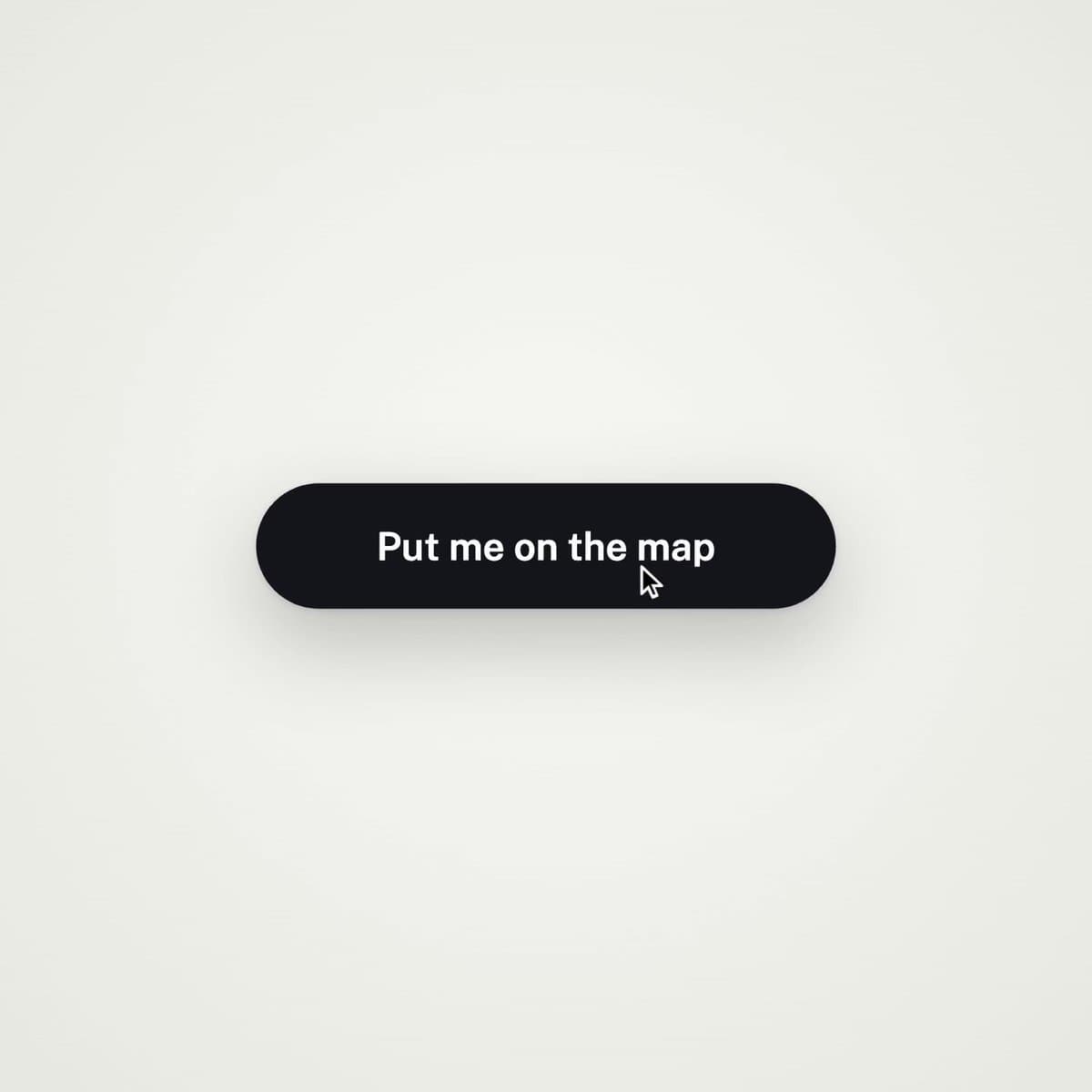
VIDEO PREVIEW
视频预览
PROMPT
<inputs> Ask me for: • my product + URL • 8–12 UI states that tell its story • the real data shown in each state • brand colors + fonts + accent color • required formats (1:1, 16:9, 9:16) </inputs> <rules> One HTML file. One canvas
One draw(t) function No CSS transitions
No timers
No state carried between frames One shape, never cut Every state is the same element changing size, radius and color while the content swaps A cursor drives the sequence with real clicks, typing and one drag Real UI. Real data. No placeholders. </rules>
<structure> 120 BPM grid Something happens on every beat logo → button → handle field → “is this you?” → loader → pin → globe filling with users → matches → tabs → RSVP → search → logo </structure> <motion> Closed-form springs everywhere with only a tiny overshoot. If a value changes target multiple times, sum one spring per change Content enters after its container starts morphing and leaves before the next morph so text never overlaps Use a short blur on transitions Never fade black directly into the accent color. Move an accent element between states instead Make tab indicators stretch by putting each edge on a different spring Zoom the camera so every state fills the frame Make the last frame equal the first so the whole thing loops
</motion> <export> First render one frame per beat as a contact sheet Fix anything cramped or broken Then render every frame in headless Chrome at 60fps, averaging 6 subframes for motion blur Pipe into ffmpeg:
H.264 + yuv420p Export all aspect ratios in parallel
</export>