
AI PROMPT · 308
UI 动效设计工作流指南
关键不在于提示词,而在于一条规则:每一帧都是时间的纯函数。 歌曲 -> numpy 节拍网格 -> Opus 5.5 生成一个 HTML 文件 -> Playwright 渲染 -> ffmpeg 混合 步骤 1 -> 选择一首约 120 BPM 的免版税曲目 步骤 2 -> 向 Opus 5.5 提供 8 到 12 种 UI 状态:按钮、加载器、开关、图表、命令面板 步骤 3 -> 单个 HTML 文件,尺寸 1440x1440,所有样式在 seek(t) 内计算。不使用 CSS 过渡,不使用定时器 步骤 4 -> 弹簧效果采用闭式数学公式,确保任意帧可按任意顺序渲染 步骤 5 -> numpy 识别节拍,使每个 UI 音效都落在测量到的峰值上 步骤 6 -> Playwright 每帧拍摄 4 个子帧,ffmpeg tmix 将其混合为 60fps 的运动模糊 步骤 7 -> 先按节拍渲染单帧,修正偏离网格的部分,再进行完整渲染 数学计算: 120 BPM x 7 小节 = 28 拍 = 14 秒 14 秒 x 60 fps x 4 子帧 = 3,360 次浏览器渲染
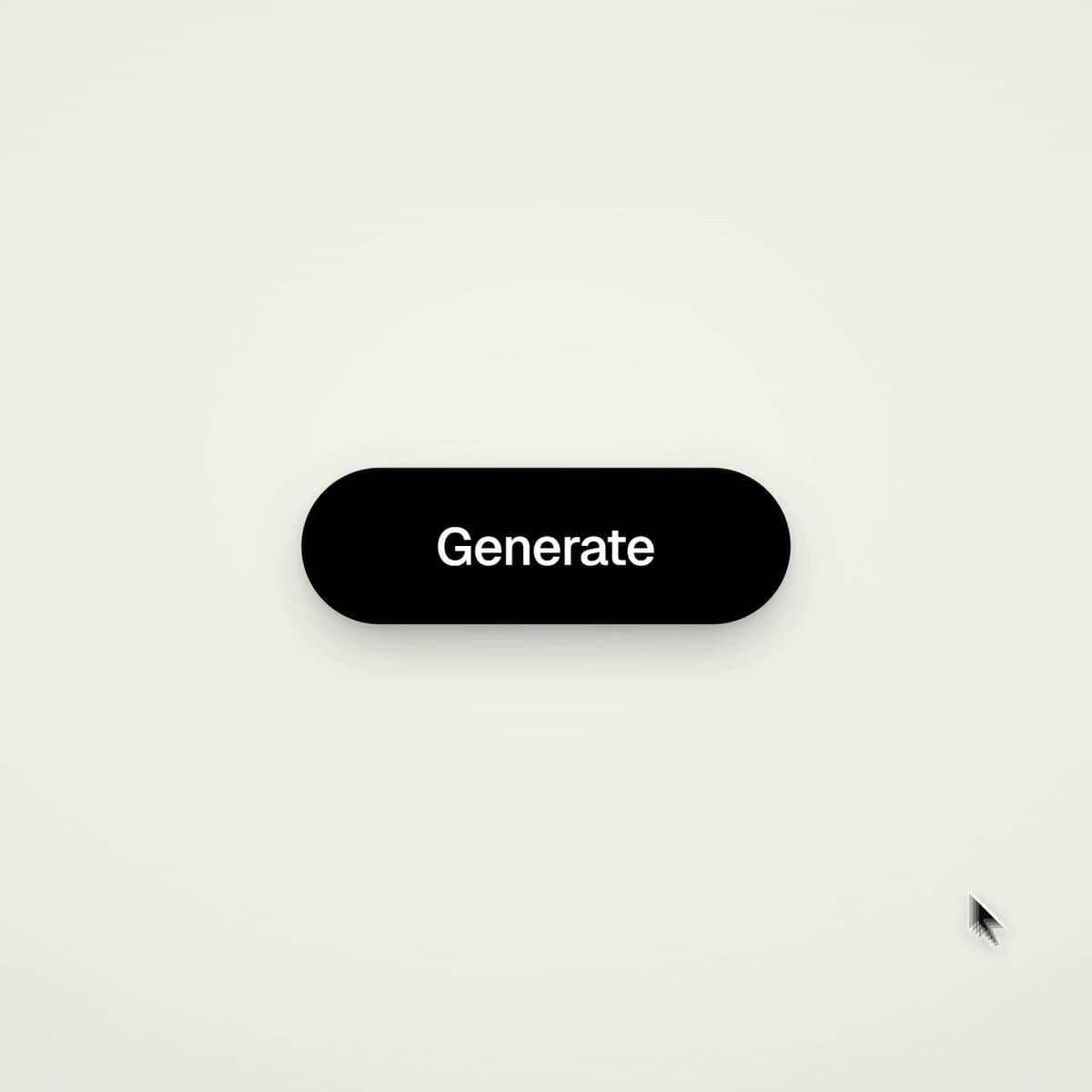
VIDEO PREVIEW
视频预览
PROMPT
The trick is NOT the prompt. It is one rule: every frame is a pure function of time. song -> numpy beat grid -> Opus 5.5 writes one HTML file -> Playwright renders -> ffmpeg blends step 1 -> pick a royalty-free track around 120 BPM step 2 -> give Opus 5.5 8 to 12 UI states: button, loader, toggle, chart, command palette step 3 -> one HTML file, 1440x1440, every style computed inside seek(t). no CSS transitions, no timers step 4 -> springs as closed-form math, so any frame renders in any order step 5 -> numpy finds the beats, every UI sound lands on a measured peak step 6 -> Playwright shoots 4 subframes per frame, ffmpeg tmix blends them into 60fps motion blur step 7 -> render one frame per beat first, fix what is off the grid, then the full render the math: 120 BPM x 7 bars = 28 beats = 14 seconds
14 s x 60 fps x 4 subframes = 3,360 browser renders