
AI PROMPT ·
使用 Astra 的 Godot 与 Blender 工作流
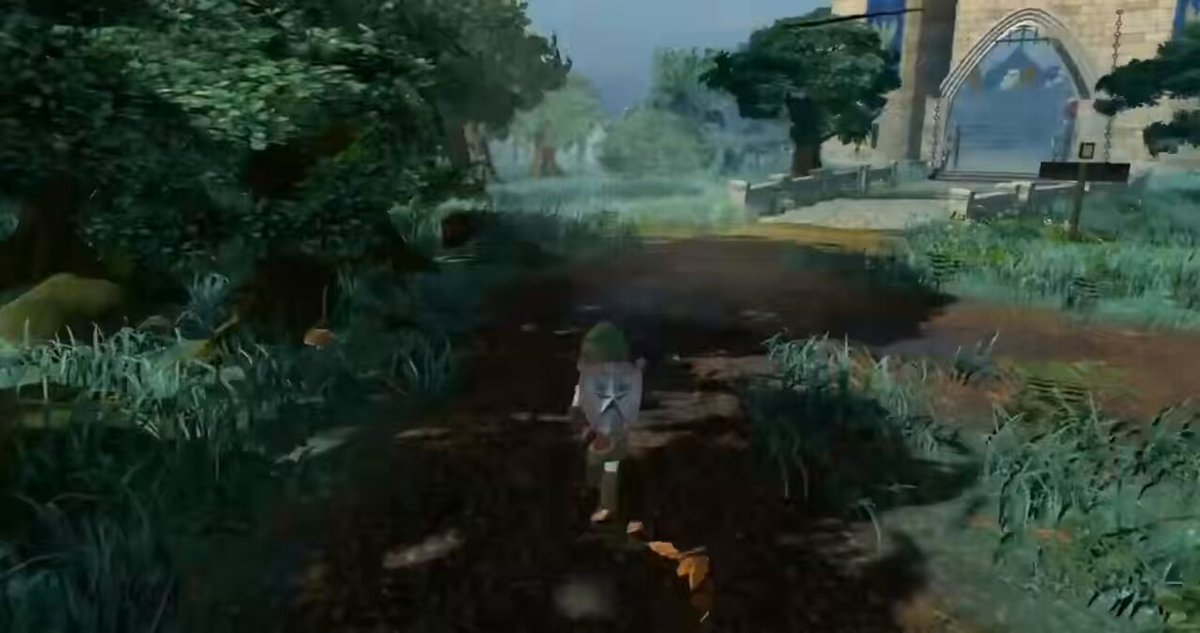
我是如何做到的? 1. 准备代表目标视觉效果图片或视频。为它们创建一个单独的文件夹,例如:Game/Ref。 2. 将 Godot MCP 和 Blender MCP 连接到 Codex。 3. 让 Astra 读取 Ref 文件夹中的文件,以便它理解你想要的整体视觉方向和风格。 4. 如果可能,安装 Dream-loop 技能。它可以帮助 AI 更高效地工作,使你的游戏视觉效果更贴近参考图。
PROMPT
How did I do it? 1. Prepare the images or videos that represent the look you want to achieve. Create a separate folder for them, for example: Game/Ref.
2. Connect Godot MCP and Blender MCP to Codex.
3. Let Astra read the files inside the Ref. folder so it can understand the overall visual direction and style you want.
4. If possible, install the Dream-loop skill. It can help the AI work more effectively and make your game visuals match the references more closely.