
AI PROMPT · 17
UI 动效循环设计提示词
<inputs> 请提供: * 画布颜色 * 形状颜色 * 强调色 * 形状圆角半径 * 字体 * 形状需要变换的状态序列 请使用十六进制代码、秒数、阻尼比和像素尺寸,而非形容词。 </inputs> <direction> 制作一个时长 14 秒、分辨率 1440x1440、帧率 60fps 的无缝 UI 动效循环。 单一形状,零剪辑。 形状在各状态间平滑变形,绝不替换。 每个状态占据画面的 50%。 摄像机在节拍点启动,其稳定速度慢于形状。 使用闭式弹簧算法。 形状阻尼系数 0.72,稳定时间 0.35s。 摄像机阻尼系数 1.0,稳定时间 0.6s。 内容切换使用 12px 模糊并在 0.15s 内淡入淡出。 光标尖端始终锁定在其拖动的对象上。 </direction> <structure> 使用 0.5s 的节拍网格。 0.0 - 像素吉祥物待机 1.0 - 吉祥物压扁变为播放按钮 1.5 - 加载器 2.0 - 对勾绘制动画 2.5 - 时间轴拖动 4.0 - 关键帧拉伸超出末端并回弹 5.0 - 贝塞尔编辑器 7.0 - 计数器从 F 000 滚动至 F 840 8.5 - 渲染进度条填满 10.0 - 命令面板输入 "export mp4" 11.0 - Toast 提示 "840 frames rendered" 12.0 - Toast 缩小变回吉祥物 最后一帧必须与第一帧完全一致。 </structure> <build> 编写一个包含 Canvas 2D 的 HTML 文件。 window.renderAt(t) 必须是时间的纯函数。 禁止使用 Math.random。 禁止使用系统时钟。 禁止保留任何状态。 ?t= 参数必须能冻结精确时刻。 通过 renderAt(frame / 60) 渲染每一帧。 使用 4 个子帧实现运动模糊。 编码为 H.264 格式,60fps。 </build> <gotchas> 修复循环衔接处的光标跳跃问题,使用公式: t - 14*floor(t/14) 不要将橙色与墨色进行交叉淡化。 在 1.5s 时从中心发出涟漪效果,在 12.0s 时从点击点发出涟漪效果。 文字切换采用垂直滚动方式。 描边动画必须在模糊淡入之后开始。 光标应瞄准目标即将落位的位置。 保持光标速度低于 65 px/frame。 </gotchas> <start> 首先展示分镜脚本。 然后编写代码。 首次渲染后,检查每个节拍点前后的 5 帧画面,修复所有问题后再进行最终渲染。 </start>
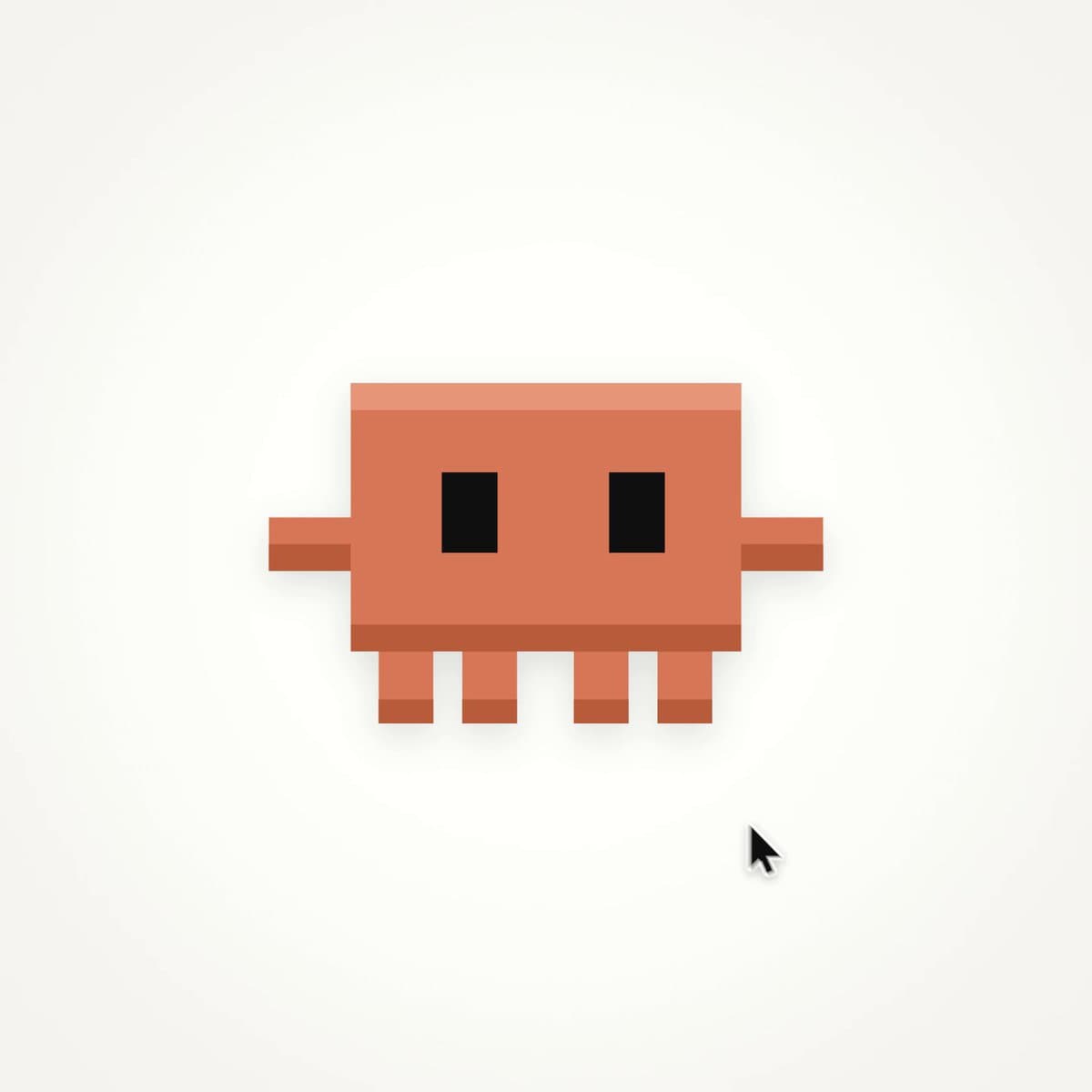
VIDEO PREVIEW
视频预览
PROMPT
<inputs>
Give me: * canvas color
* shape color
* accent color
* shape radius
* fonts
* the states the shape should morph through Use hex codes, seconds, damping ratios and pixel sizes instead of adjectives.
</inputs> <direction>
Make a 14 second, 1440x1440, 60fps seamless UI motion loop. One shape, zero cuts. The shape morphs from state to state and is never replaced. Each state fills 50% of the frame. The camera starts on the beat and settles slower than the shape. Use closed-form springs. Shape damping 0.72, settle time 0.35s.
Camera damping 1.0, settle time 0.6s. Content swaps use 12px blur and fade over 0.15s. The cursor tip stays locked to whatever it drags.
</direction> <structure>
Use a 0.5s beat grid. 0.0 - pixel mascot idles
1.0 - mascot squashes into play button
1.5 - loader
2.0 - check draws
2.5 - timeline scrub
4.0 - keyframe stretches past the end and snaps back
5.0 - bezier editor
7.0 - counter rolls F 000 to F 840
8.5 - render bar fills
10.0 - command palette types "export mp4"
11.0 - toast says "840 frames rendered"
12.0 - toast shrinks back into the mascot The last frame must be the first frame.
</structure> <build>
Write one HTML file with Canvas 2D. window.renderAt(t) must be a pure function of time. No Math.random.
No clock.
No carried state. ?t= must freeze the exact moment. Render every frame from renderAt(frame / 60). Use 4 subframes for motion blur. Encode to H.264 at 60fps.
</build> <gotchas>
Fix the cursor jump at the loop wrap with: t - 14*floor(t/14) Do not cross-fade orange into ink. Use a ripple from the center at 1.5s and from the click point at 12.0s. Roll word swaps vertically. Start draw-on after blur-in. Aim the cursor at where the target will be when it lands. Keep cursor speed under 65 px/frame.
</gotchas> <start>
First show me the storyboard. Then write the code. After the first render, check 5 frames around every beat and fix the issues before the final render.
</start>