
AI PROMPT · 51
产品宣传动态视频提示词
<inputs> 请向我询问:用户向我产品提出的一个问题及其单行回答、两张专辑封面、一首约 110 BPM 且前奏安静、高潮强劲(Drop)的免版税歌曲(来自 Mixkit,可免费商用),以及我用于结尾的 Logo。如果我跳过任何内容,请使用以下默认值:“这是全部代码吗?” / “是的。每一帧都是。”、两张氛围感照片,以及 Mixkit 的 "Head Bang"。 </inputs> <direction> 一个 22 秒的正方形循环视频,分辨率为 1440x1440,帧率为 60fps。仅使用 2D 元素,采用一镜到底的方式。没有任何剪辑:每个场景都从前一个场景中生长出来,每一个手势都将镜头带入下一个空间。每次变形耗时 0.8s,使用 cubic-bezier(.45,0,.15,1) 曲线。镜头缩放遵循相同的曲线,使形状变化几乎不可见。内容在每次滑动的后半段逐渐溶解。每个场景只有一个手势。 视觉风格:温暖明亮的舞台背景(从 #f3f3f0 到 #e3e3de),黑色 UI,以及受当前专辑封面色调影响的深色应用世界(#121212)。使用一种绿色强调色(#1ed760),UI 字体使用 Geist,真实的 macOS 指针,以及随着形状升起而增强的柔和分层阴影。 禁止项:硬切、弹跳弹簧效果、粒子、光晕、快速放大后立即缩小、超过 1s 的静止画面,以及任何看起来像模板的效果。 </direction> <structure> 跟随歌曲的节奏。按下动作落在 Drop(高潮)处。 生成阶段:光标点击。胶囊状按钮滑动变成加载旋转器,然后变为对勾。 聊天阶段:对勾分裂成三个带有粘稠效果的打字点。左侧的点向上飞起,变成问题气泡并输入问题。右侧的点向下飞入回复气泡。两个气泡在向中心滑动并与中间点合并的过程中,缩回为点。 播放阶段:中间的点弯曲成一个播放三角形,一次一个角。光标在 Drop 处按下它。白色按钮出现在点击位置下方,同时深色应用充满整个画面,留下白色形状作为播放按钮。镜头拉远以展示完整的正在播放界面:大封面、标题、爱心(已点赞,填充为绿色)、进度条、控制按钮和音量。 滑动阶段:光标横向拖动封面。下一首曲目滑入,应用改变其色调以匹配新封面。 拖拽阶段:镜头滑向音量滑块。光标将其拉到最大并继续移动。条形产生橡皮筋效应,将镜头横向带出应用,进入一个深色点阵画布,同时镜头跟随旋钮。 图表阶段:线条落地并向上弯曲成绿色图表,数字随之计数上升。音量旋钮成为图表的最终数据点。 潜入阶段:光标点击该点。镜头潜入其中,直到明亮舞台填满画面。 结尾阶段:一个“Ask [my product]”按钮从光亮中生长出来,收窄成一条线,然后展开成我的 Logo(默认:Claude 火花,六个副本旋转成十二道 Claude 橙色光芒)。保持 2s。
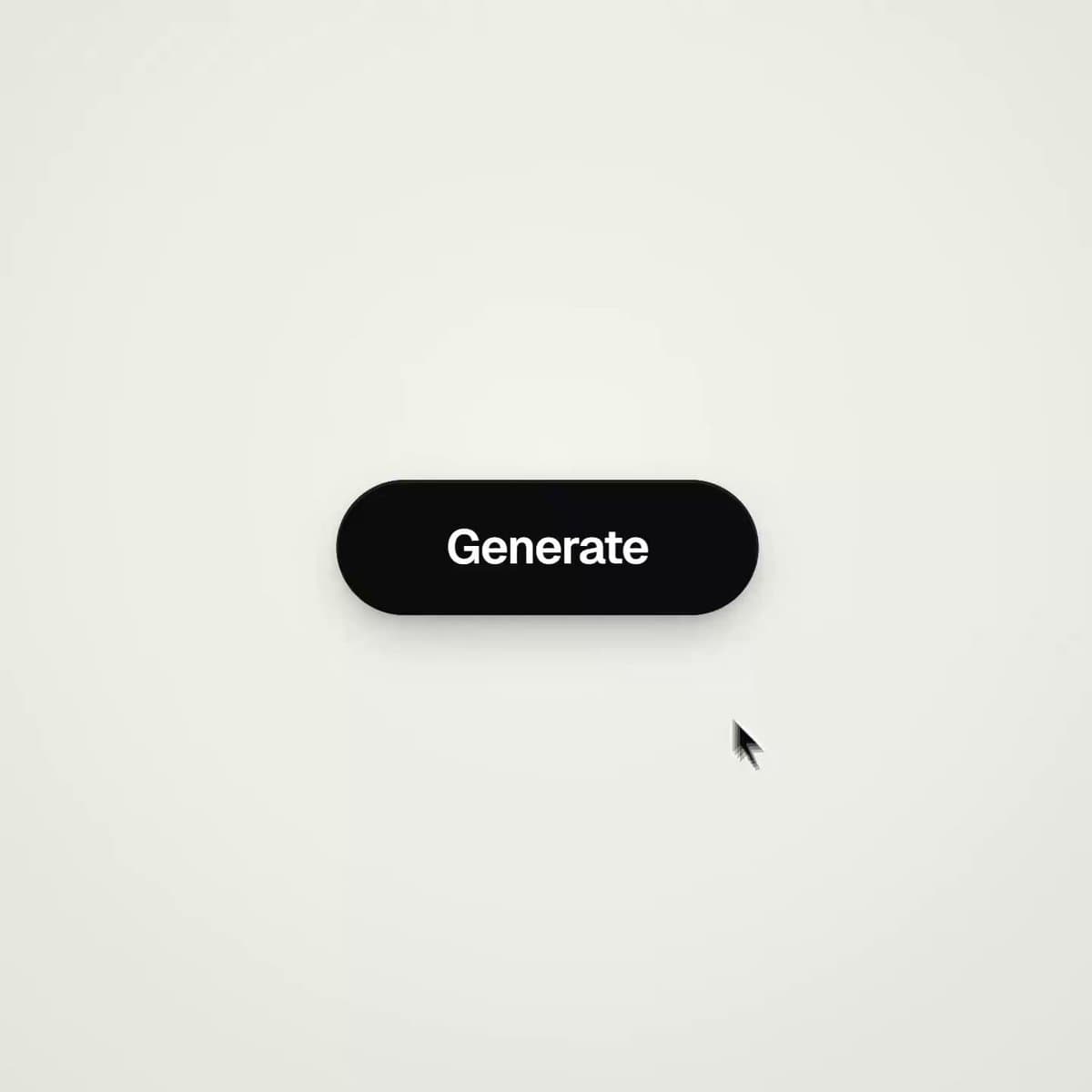
VIDEO PREVIEW
视频预览
PROMPT
<inputs>
Ask me for: one question a user asks my product and its one-line answer, two album covers, a royalty-free song around 110 BPM with a quiet intro and a hard drop (Mixkit, free for commercial use), and my logo for the ending. If I skip anything, use these defaults: "is this all code?" / "yes. every frame.", two atmospheric photos, and Mixkit "Head Bang".
</inputs> <direction>
A 22-second square loop, 1440x1440 at 60fps. 2D only, one continuous take. Nothing cuts: each scene grows from the one before it, and every gesture carries the camera into the next space. Each morph takes 0.8s on cubic-bezier(.45,0,.15,1). The camera zoom follows the same curve, making the shape changes feel almost invisible. Content dissolves during the second half of each glide. One gesture per scene. Look: a warm light stage (#f3f3f0 to #e3e3de), black UI, and a dark app world (#121212) tinted by the current album cover. Use one green accent (#1ed760), Geist for UI, the real macOS pointer, and soft layered shadows that grow as shapes lift. Banned: hard cuts, bouncy springs, particles, glows, zooming in and immediately back out, holds longer than 1s, anything that feels like a template.
</direction> <structure>
Follow the song's beats. The press lands on the drop. Generate: the cursor clicks. The pill glides into a spinner, then becomes a check. Chat: the check splits into three typing dots with goo. The left dot flies up, becomes the question bubble and types the question. The right dot flies down into the reply. Both bubbles shrink back into dots as they glide toward the center and merge with the middle dot. Play: the middle dot bends into a play triangle, one point at a time. The cursor presses it on the drop. A white button appears under the click as the dark app floods the frame around it, leaving the white shape as the play button. The camera pulls back to reveal the full now-playing screen: large cover, title, heart (liked, filling green), progress bar, controls and volume. Swipe: the cursor drags the cover sideways. The next track slides in, and the app changes its tint to match the new cover. Drag: the camera glides toward the volume slider. The cursor pulls it to max and keeps going. The bar rubber-bands, dragging the camera sideways out of the app and onto a dark dotted canvas while the camera follows the knob. Chart: the line lands and curves upward into a green chart as the number counts up. The volume knob becomes the chart's final point. Dive: the cursor clicks that point. The camera dives into it until the light stage fills the frame. Ending: an "Ask [my product]" button grows from the light, narrows into a line, then fans out into my logo (default: the Claude spark, with six copies rotating into twelve rays in Claude orange). Hold for 2s.