
AI PROMPT · 72
产品发布动态影片提示词
<inputs> 请向我询问:一个用于字标(wordmark)的单词产品名称、一种强调色,以及一首约 120 BPM 的免版税曲目(例如来自 Mixkit,可免费商用)。 </inputs> <direction> 以单次连续镜头呈现产品发布 UI 动态效果。通过单一形状讲述完整故事:提示栏变为按钮,按钮变为进度环,进度环变为预览窗口,窗口填满屏幕,随后缩小为吐司通知(toast),最后变回提示栏。场景之间无剪辑、无淡入淡出:物体直接变形。光标通过真实点击触发每一次变化。背景采用温暖的米白色画布,UI 为黑色,搭配一种强调色,界面和字标均使用 Inter 字体。全程使用弹簧动画,仅带有轻微过冲。调整摄像机缩放,使每个瞬间都充满方形画面。 禁止事项:交叉淡化、UI 上的渐变、粒子效果、发光效果、弹性缓动、节奏空白,以及任何看起来像模板的元素。 </direction> <structure> 120 BPM,共 24 拍,每一拍都有动作发生。 在提示栏中输入请求 → 点击发送 → 提示栏坍缩为一个黑色圆形 → 进度环分四步填充,同时四个标签(chip)弹出(概念、故事板、动态、声音)→ 标签飞入时间轴,圆形变为预览窗口 → 播放头扫过片段 → 在预览内部,轨道自行绘制,行星开始移动,字标逐字母从遮罩线中升起 → 预览填满屏幕 → 字母消失,行星飞入吐司通知并变为其中的对勾图标 → "Rendered in code · 60 fps" → 吐司通知变回空的提示栏。最后一帧 = 第一帧。 </structure> <build> 1. 创建一个包含 1440x1440 画布的 HTML 文件。所有绘制均在 seek(t) 函数内完成:不使用 CSS 过渡、定时器或跨帧状态保持。 2. 使用闭式弹簧阶跃响应。当某个值的目标多次改变时,为每次改变添加一个独立的弹簧,使其成为时间的纯函数。 3. 主要形状是一个圆角矩形,其宽度、高度、半径、位置和颜色均由弹簧链控制。 4. 打字效果由时间推导得出:显示的字符数 = floor(进度 × 长度),光标仅在空闲状态下闪烁。 5. 找到曲目的节拍网格,从强拍开始,并将每次点击、弹出和音效放置在测量到的峰值位置。 6. 使用 Playwright 以 60 fps 渲染,然后编码为 H.264 CRF 16,并通过 loudnorm 标准化至 -14 LUFS。 7. 首先为每一拍渲染一张静帧。在完整渲染前,修复任何拥挤、偏离网格或难以阅读的问题。 </build> <gotchas> 变形形状内的文本需要单独的裁剪路径和独立的进入/退出时序。文本切换需要各自的淡入淡出效果,以确保它们永不重叠。光标必须结束于其起始的确切位置,否则循环会出现卡顿。 </gotchas>
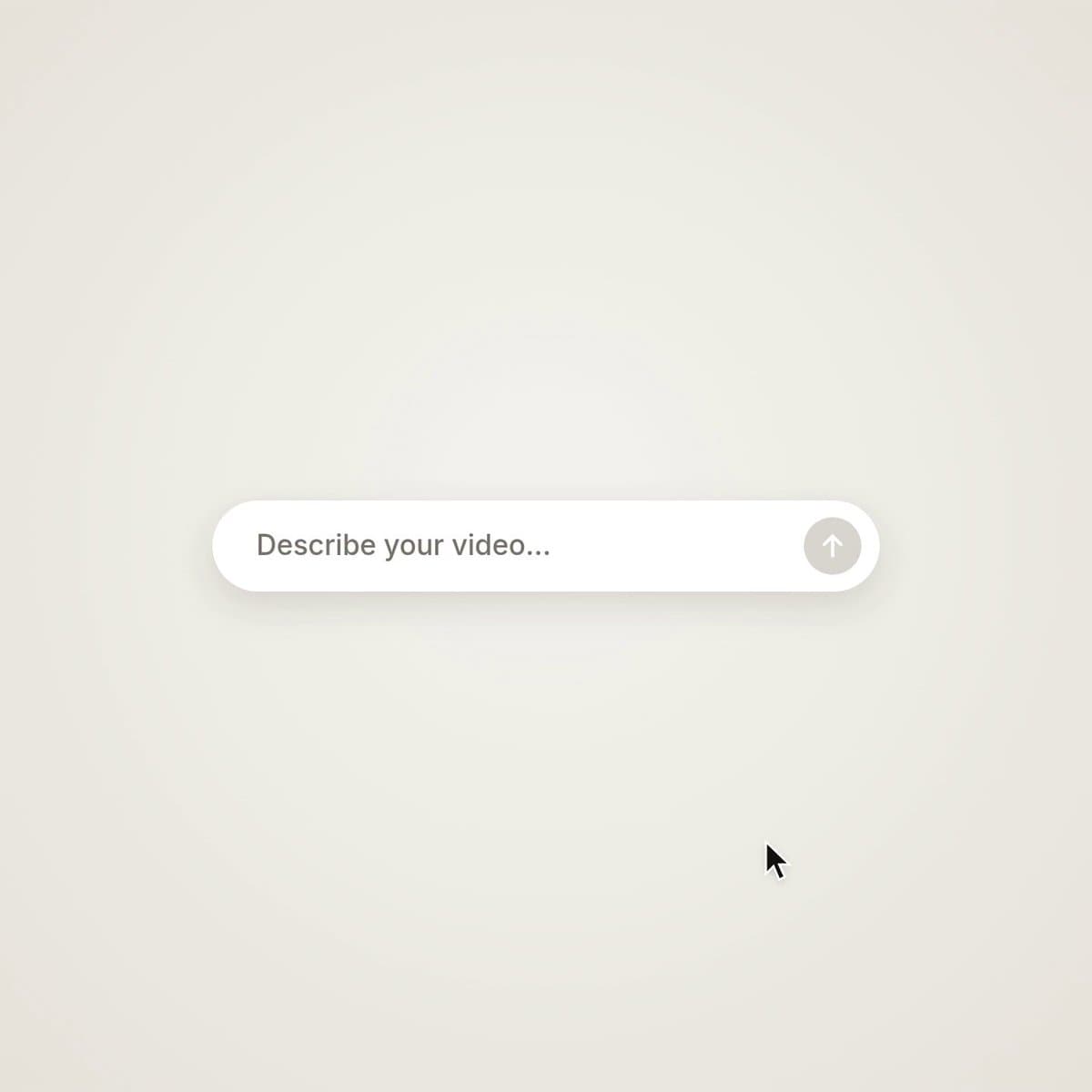
VIDEO PREVIEW
视频预览
PROMPT
<inputs>
Ask me for: a one-word product name for the wordmark, one accent color, and a royalty-free track around 120 BPM (e.g. Mixkit, free for commercial use).
</inputs> <direction>
Product-launch UI motion in one continuous take. One shape tells the whole story: a prompt bar becomes a button, the button becomes a progress ring, the ring becomes a preview window, the window fills the screen, then shrinks into a toast and back into the prompt bar. No cuts, no fades between scenes: objects transform. A cursor triggers every change with real clicks. Warm off-white canvas, black UI, one accent color, Inter for UI and the wordmark. Springs everywhere with only a slight overshoot. Zoom the camera so each moment fills the square.
Banned: crossfades, gradients on UI, particles, glows, bouncy easing, dead beats, anything that feels like a template.
</direction> <structure>
120 BPM, 24 beats, something happens on every beat.
Type the request into the prompt bar → click send → the bar collapses into a black circle → a progress ring fills in four steps while four chips spring out (concept, storyboard, motion, sound) → the chips fly into a timeline and the circle becomes a preview window → a playhead sweeps the clips → inside the preview an orbit draws itself, a planet starts moving and the wordmark rises letter by letter from a mask line → the preview fills the screen → the letters drop away, the planet flies into a toast and becomes its checkmark → "Rendered in code · 60 fps" → the toast turns back into an empty prompt bar. Last frame = first frame.
</structure> <build>
1. One HTML file with a 1440x1440 canvas. Draw everything inside seek(t): no CSS transitions, timers or state carried between frames.
2. Use closed-form spring step responses. When a value changes target several times, add one spring per change so it stays a pure function of time.
3. The main shape is one rounded rect whose width, height, radius, position and color are each a chain of springs.
4. Typing is derived from time: characters shown = floor(progress × length), with a caret that blinks only when idle.
5. Find the beat grid of the track, start on a downbeat and place every click, pop and chime on its measured peak.
6. Render with Playwright at 60 fps, then encode H.264 CRF 16 and loudnorm to -14 LUFS.
7. Render one still per beat first. Fix anything cramped, off-grid or hard to read before the full render.
</build> <gotchas>
Text inside a morphing shape needs its own clip and separate enter/exit timing. Text swaps need their own fade so they never overlap. The cursor must end at the exact position it started, or the loop will stutter.
</gotchas>