
AI PROMPT · 222
用代码制作 30 秒动态设计视频
请用代码为我制作一段 30 秒的动态设计视频,分辨率为 1080x1080,帧率为 60 fps。背景音乐文件路径为 {argument name="audio_path" default="[path to your track]"}。 首先使用 numpy 对音轨进行分析。确定 BPM、节拍时间点以及高潮部分(drop),然后从第一个强拍开始截取 30 秒的片段。如果歌曲在此之后过早结束,请选择另一个替代片段。请使用带有轻微过冲效果的弹簧缓动函数(spring easing),而不是 ease-in-out。在每次变化之前,加入一个光标点击或拖动的动画效果。每帧应用 4 个子帧并混合以产生运动模糊效果。确保有一个元素在不剪辑的情况下经历 8-12 种状态的变化。最终输出渲染为 MP4 格式。
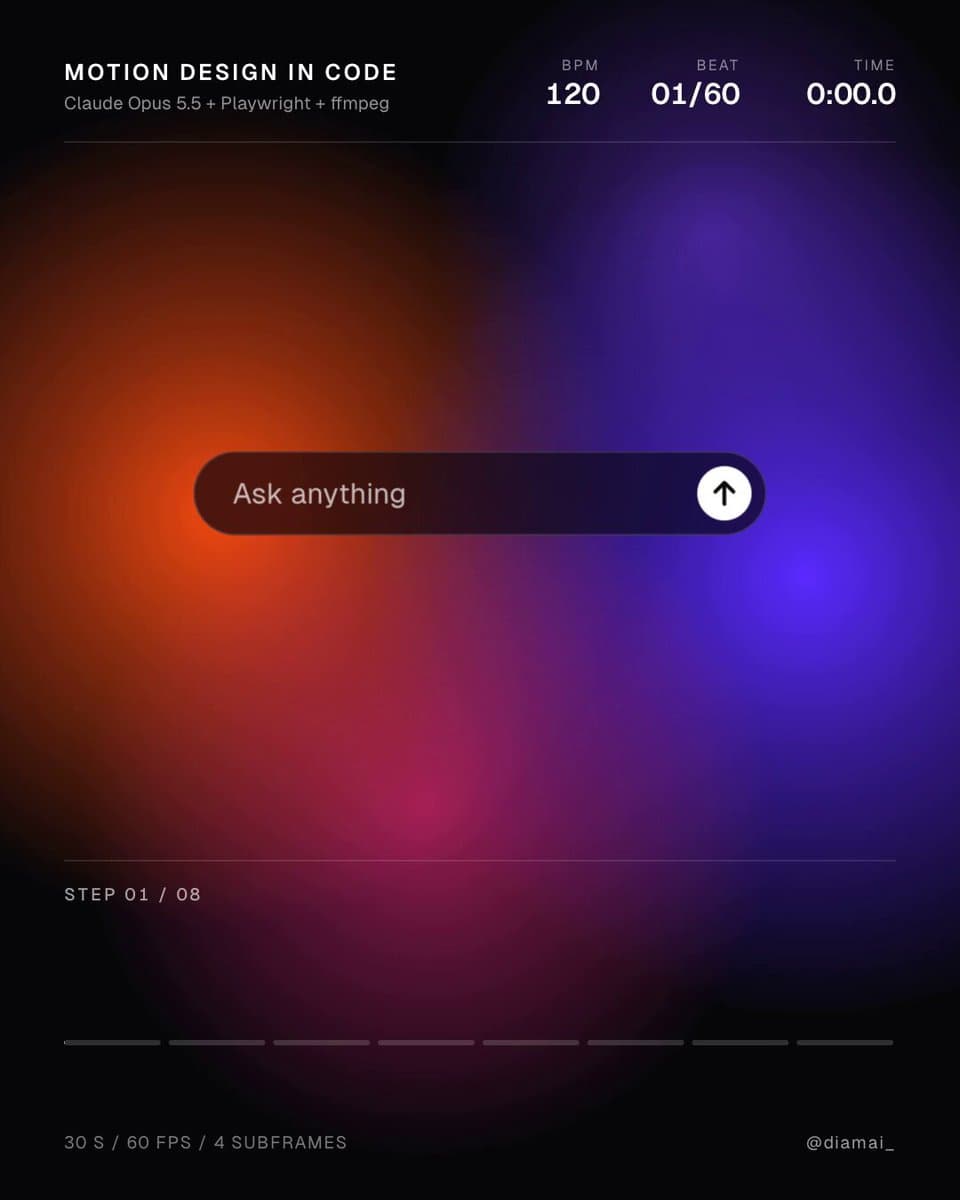
VIDEO PREVIEW
视频预览
PROMPT
Make me a 30-second motion design video in code, 1080x1080, 60 fps. The music is {argument name="audio_path" default="[path to your track]"}. First measure the track with numpy. Find the BPM, the beat times and the drop, then cut 30 seconds starting on its first downbeat. If the song ends too soon after it, pick an alternative segment. Use spring easing with small overshoots instead of ease-in-out. Include a cursor that clicks or drags before each change. Apply 4 subframes per frame blended into motion blur. Ensure one element morphs through 8-12 states without a cut. Render the final output as an MP4.